SiemensID registration #
Users who use KACO Cloud for the first time are required to register an account in Siemens ID service portal to create an account.
Monitoring their system’s can be performed after the user has registered.
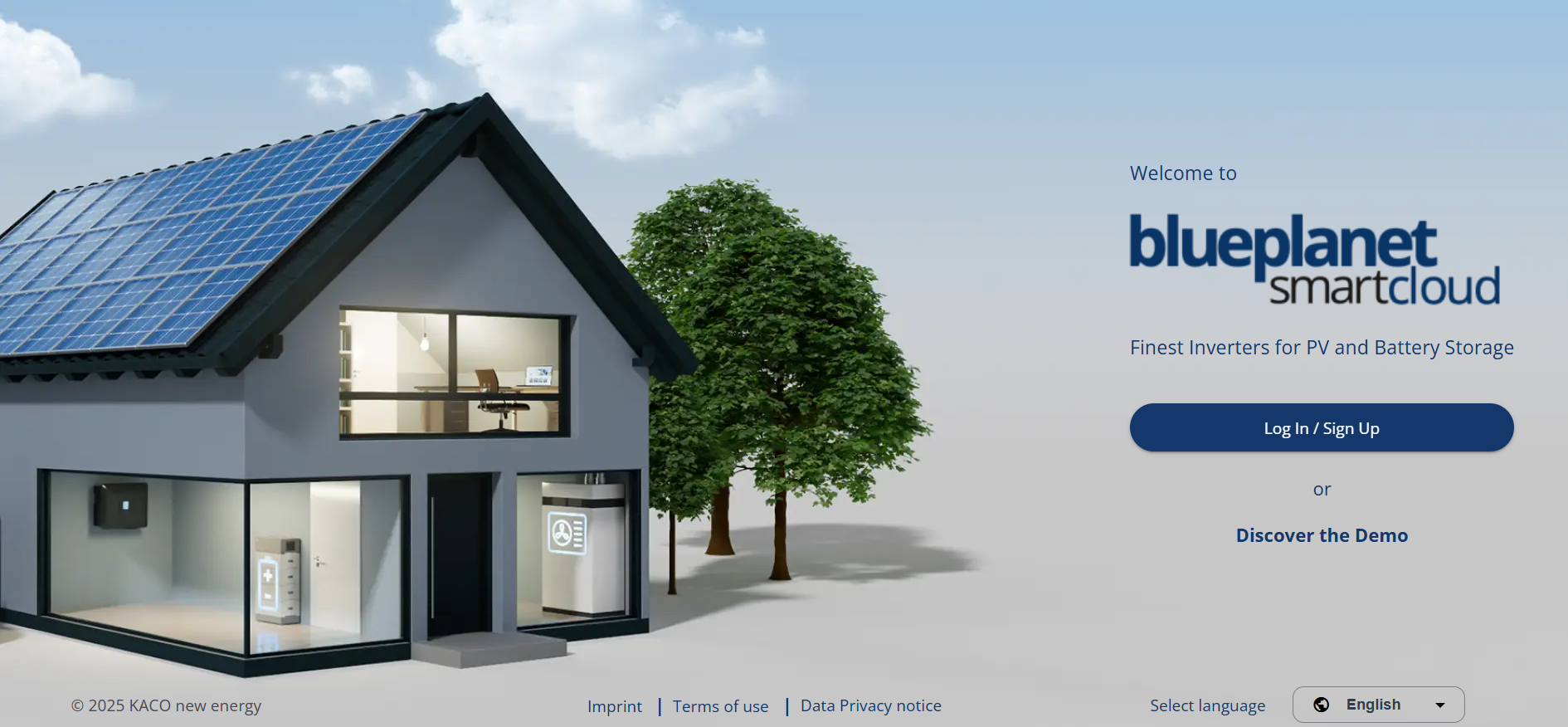 Pic 1- Home page
Steps to be followed for registration
- Access the portal via cloud.kaco-newenergy.com
- Click on Log in / Sign Up.
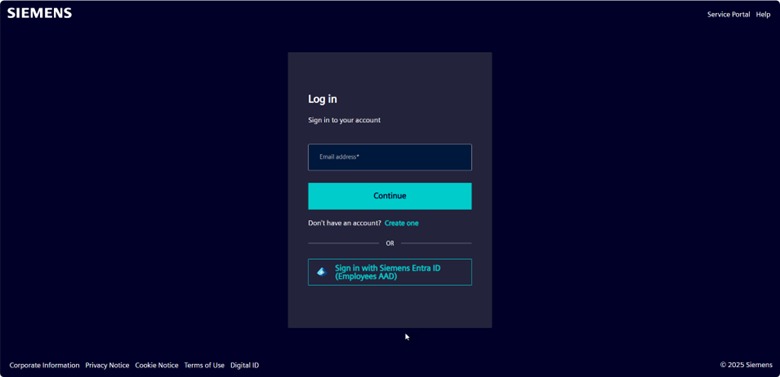
Pic 2- SiemensID page
- Siemens ID page will be opened.
- Click on ‘create one’ link - See Pic 2.
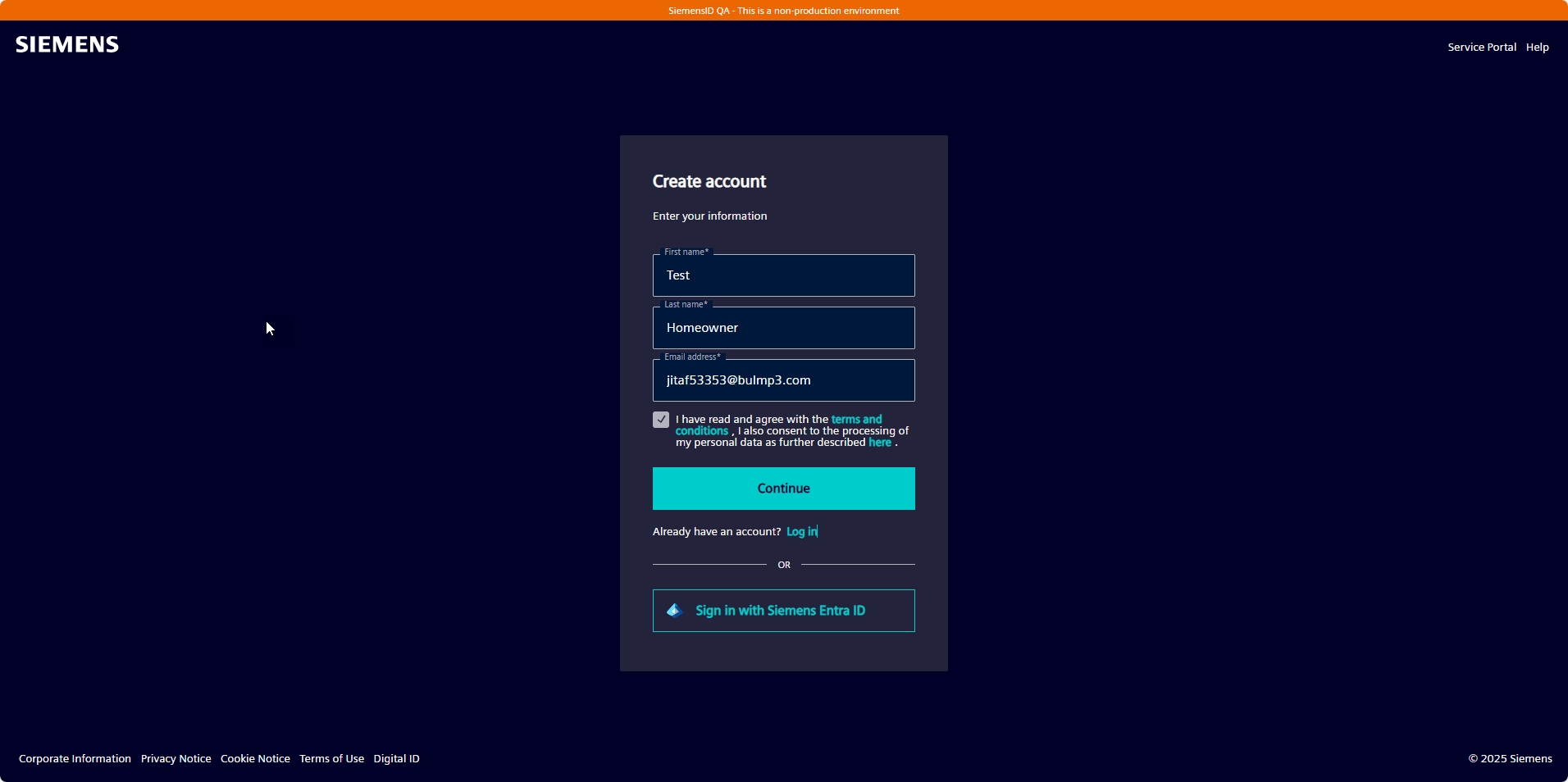 Pic 3- Create userid
- Enter the user’s First name and Last name with a valid E-mail address.
- By acknowledging the terms and conditions, click on create account.
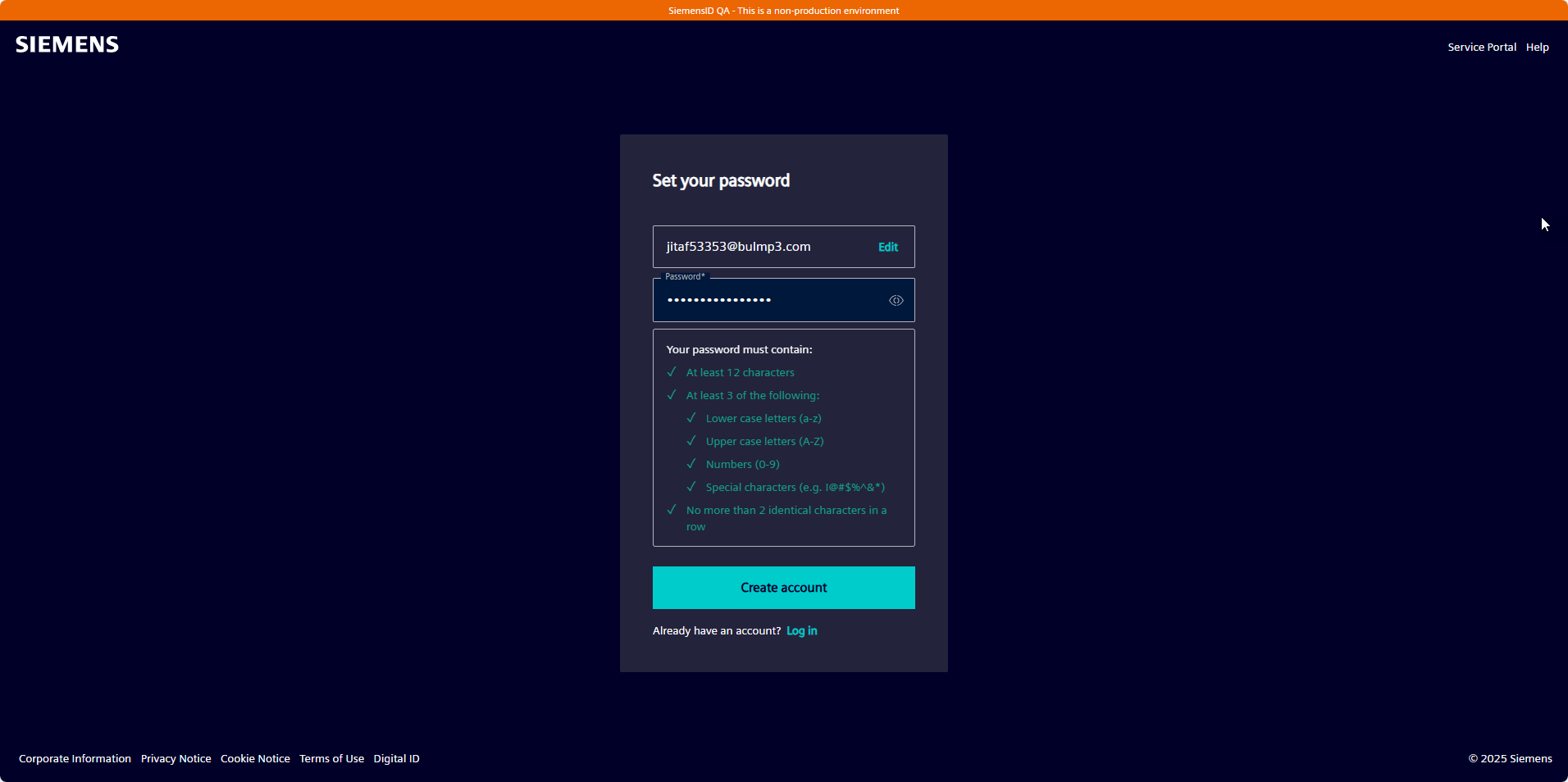 Pic 4- Create password
- Create a password for the portal. The password should adhere to the password policy.
- SIEMENS ID will send an validation code to the provided email address.(if there is no validation code mail in your inpbox, please check your spam folder)
- Click on create account.
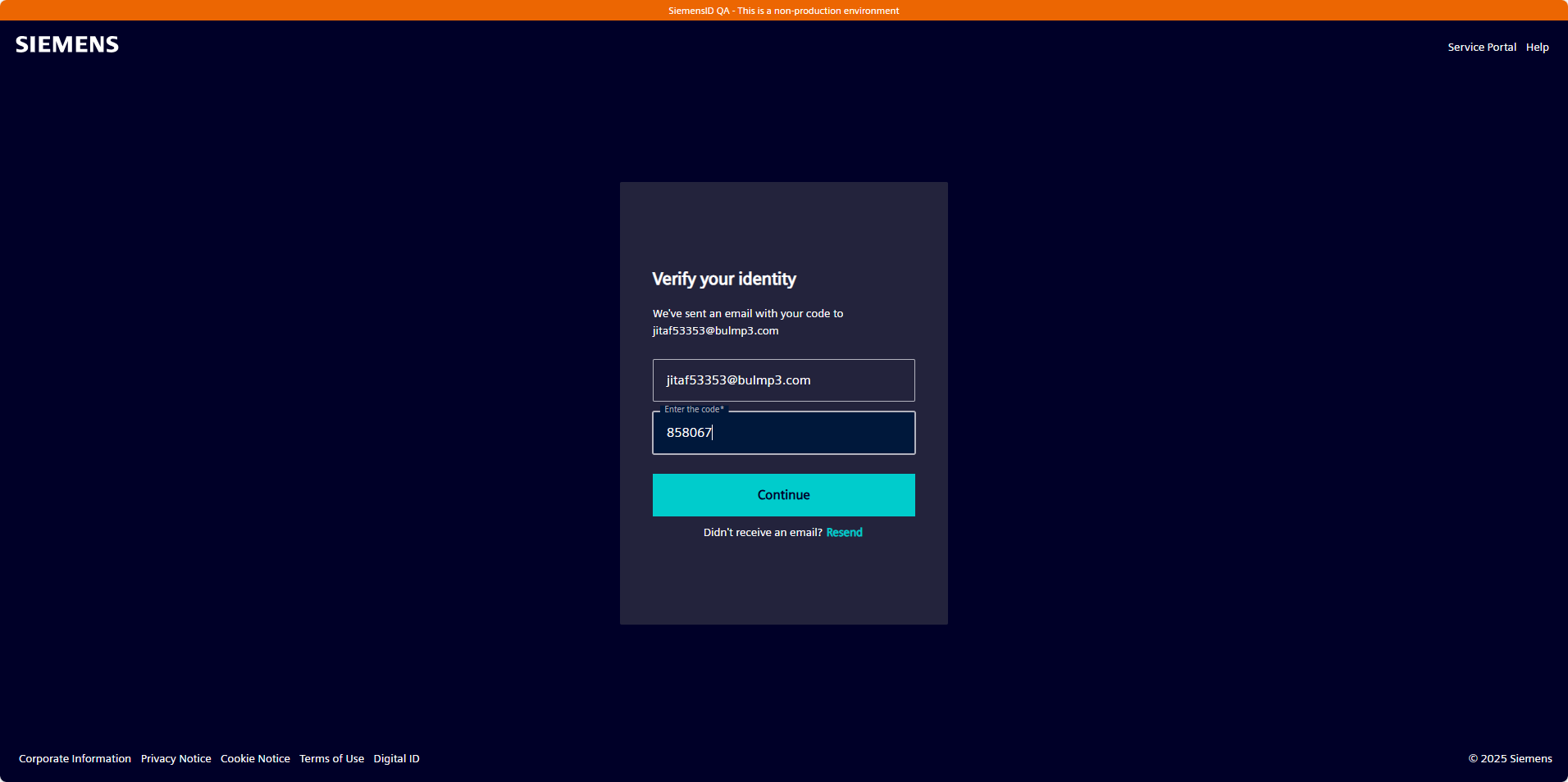 Pic 5- Enter code
- A validation code is sent to the email address provided.
- Enter the code and click on continue.
- User will be landing on the registration page.
Next Steps #
- To register as an Installer/CompanyOwner, go to → Company Owner Configuration
- To register as a Homeowner/EndUser, go to → Homeowner Configuration
- To register as a Technician, go to → Technician Configuration